Chat like it's 2006 again.
The instant messaging of the early 2000s — nudges, emoticons, “is typing…”, personal message — rebuilt by Artis Software. With encryption not even we can open.
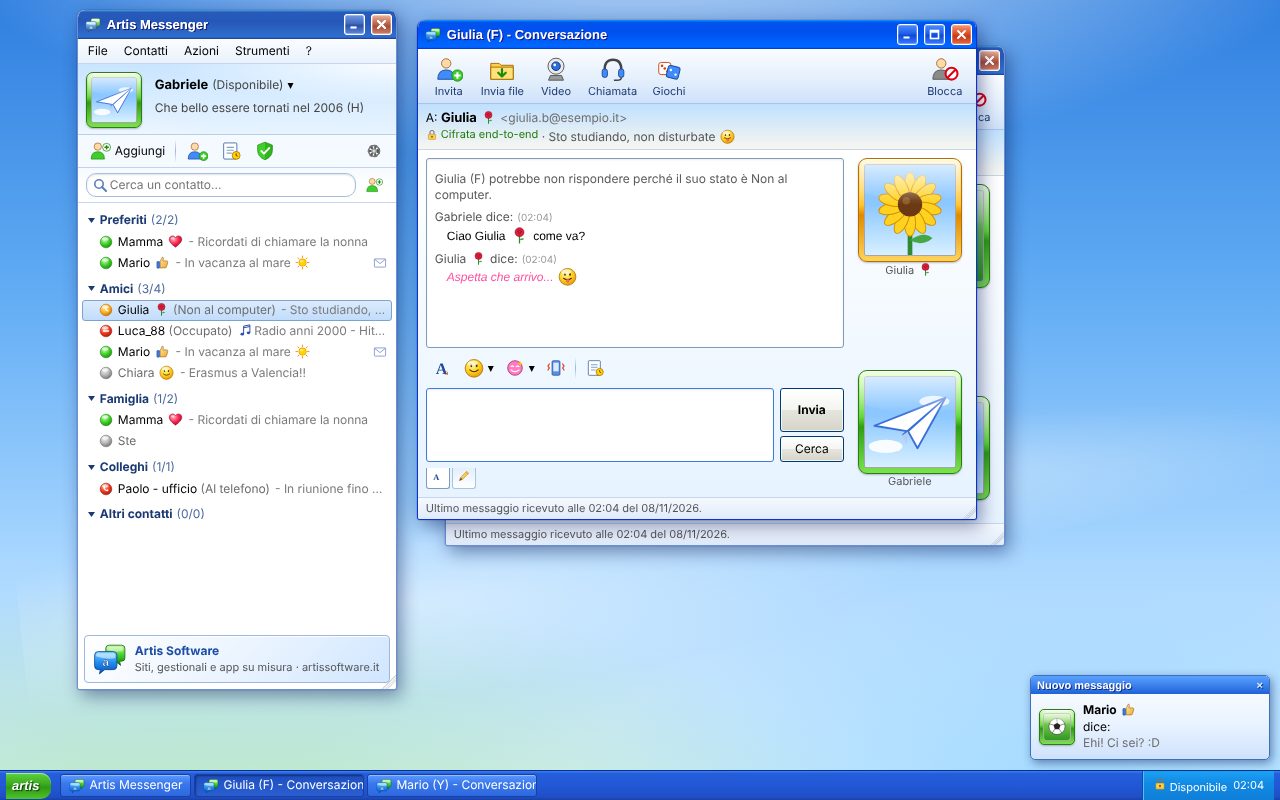
Each with its own system.
In 2006 Messenger looked different on Windows and on Mac. Artis Messenger does the same: it dresses as Windows XP, Mac OS X or GNOME depending on your computer. You can always switch in the options.
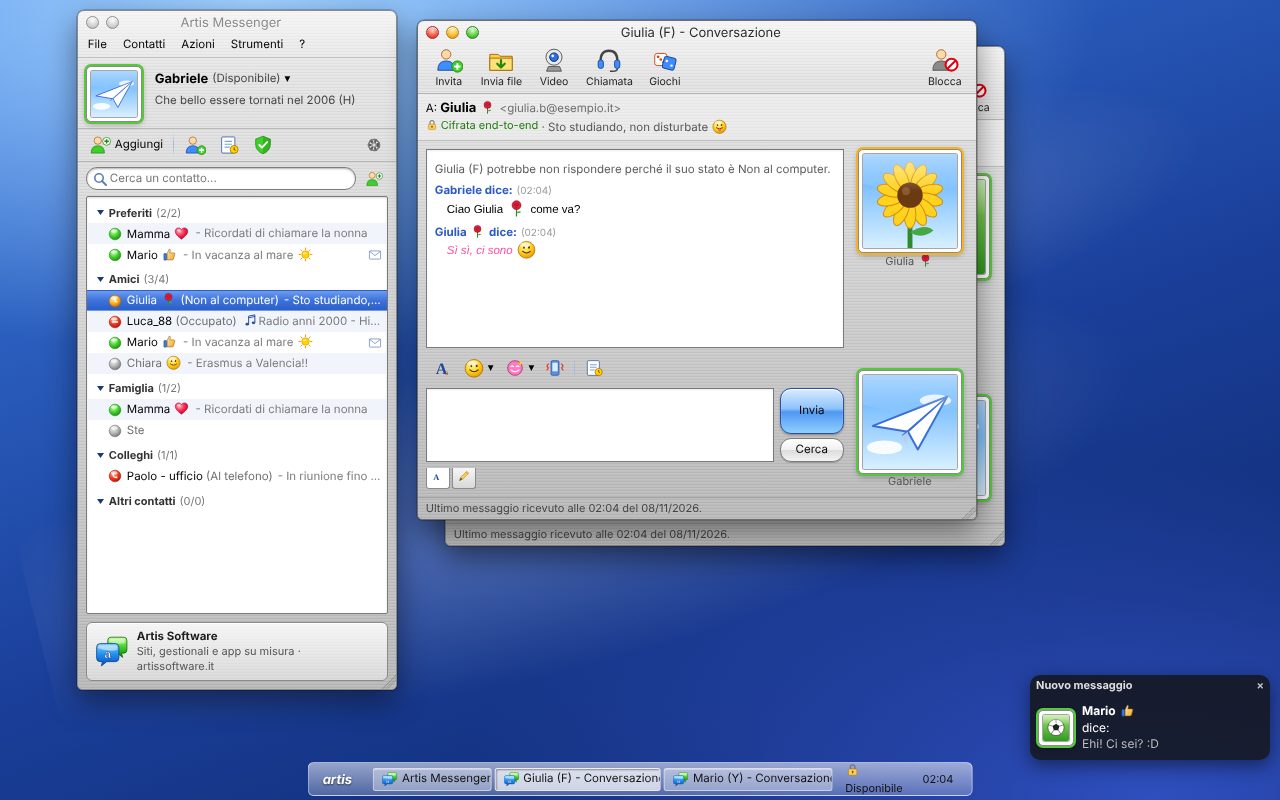
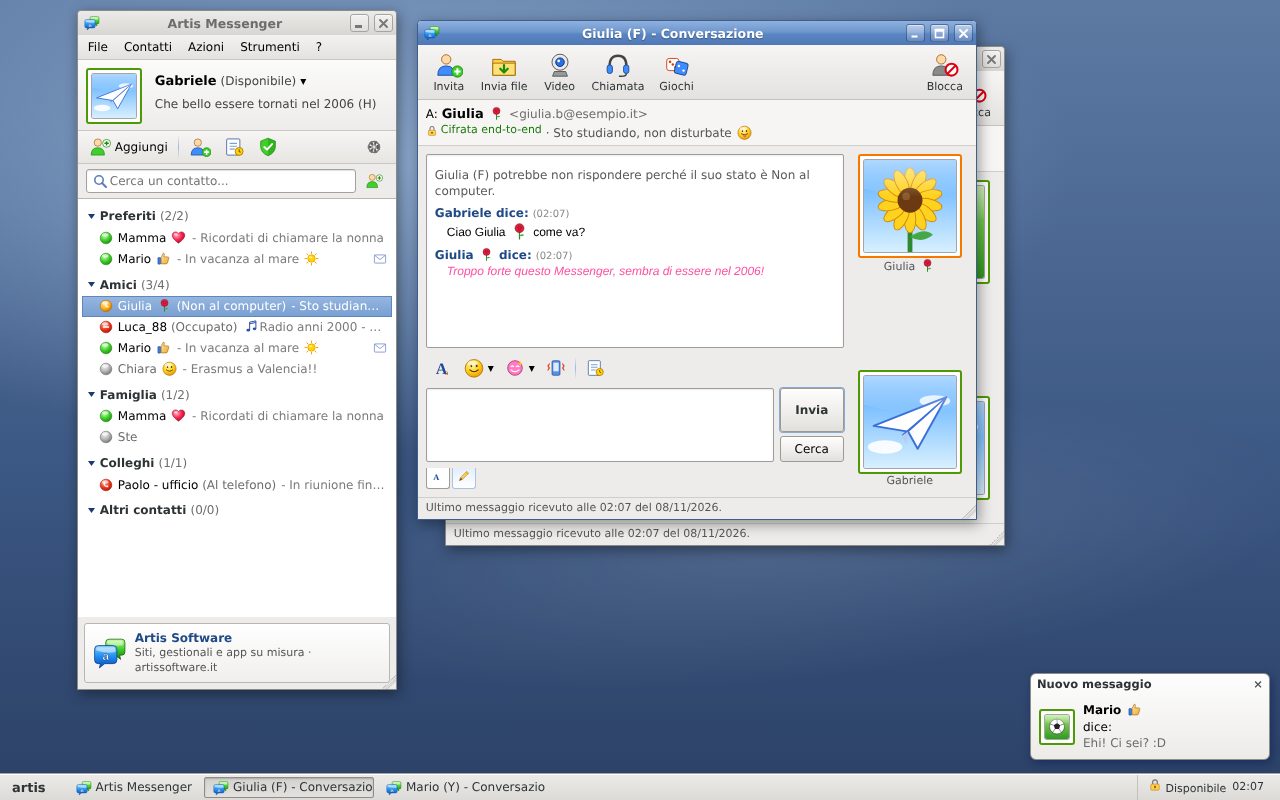
For every screen.
The desktop apps aren't signed by Apple and Microsoft yet, so the system asks for confirmation the first time. Mac: open the .dmg, drag Artis Messenger to Applications and open it; if macOS blocks it, go to System Settings → Privacy & Security → “Open Anyway”. Windows: if “Windows protected your PC” appears, choose “More info” → “Run anyway”. Linux: make the AppImage executable (right-click → Properties → Permissions) and run it.
On your phone: open the app in the browser and choose “Add to Home Screen”. You'll get notifications like a real app. Use in the browser →
Only you and your reader.
Messages, nudges, files and calls are encrypted on your devices before they leave. The server delivers them without being able to open them.
Everything you remember.
Nudge
The window shakes, and so does the sound. Use sparingly.
Emoticons and animations
(L) (Y) :D and a full-window rain of hearts.
Personal message
And “Now playing” under your name.
Statuses
Available, Busy, Be right back, Out to lunch, Invisible.
Games and ink
A game of tic-tac-toe, or a handwritten message.
Video calls
Webcam and microphone, post-quantum encrypted.
Find your friends again.
Create an account with your e-mail and add your contacts. It's free.
Open Artis Messenger